Without the Need for Programming
CRM Setup: Professional Solutions Easiest System Launch Possible
Optimize business processes with our system!
Try for Free and See for Yourself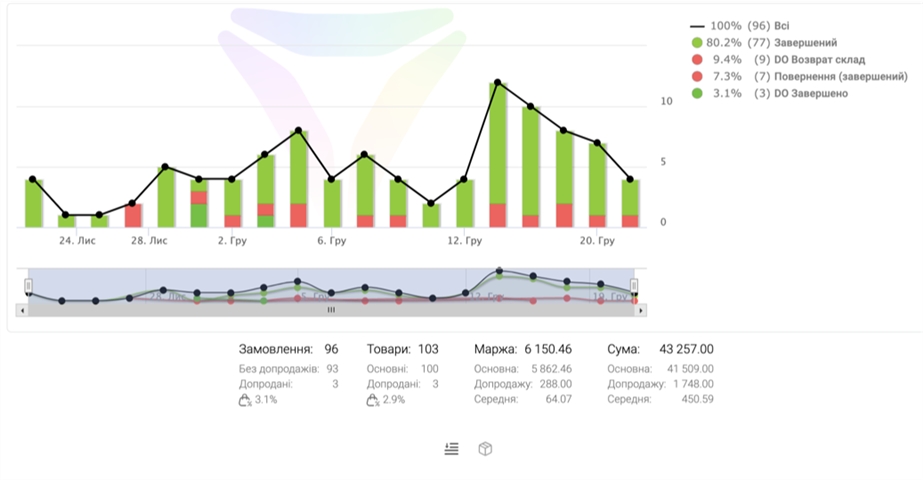
Why Choose Us?
4 Compelling Reasons to Connect CRM
Why Choose Us?
Optimization of operations
Streamlines contact and deal management, freeing up time for business development.
Sales growth
Systematize customer interactions to increase conversion rates.
Improved customer service
Provide a personalized approach to each client, increasing their loyalty.
Analytics for decision-making
Gain a clear understanding of your sales and marketing effectiveness for informed decisions.
Tools and Capabilities for Your Business
Tools and Capabilities for Your Business
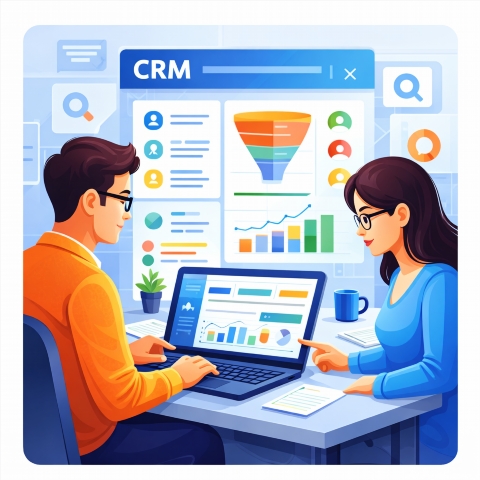
Automatic SMS broadcasts upon status change or events
Statistics for each landing page or traffic source
Free website integration and technical support from 9:00 AM to 9:00 PM
Bulk loading of leads and applications
Task and event calendar with reminder function
Who is CRM Optimal For
Who is CRM Optimal For
For business
Improving the efficiency of working with the customer base, task planning and results analytics.
For managers
Improving the efficiency of working with the customer base, task planning and results analytics.
For executives
Systematization of business processes, obtaining a complete picture of sales and increasing customer loyalty.
For the marketing department
Audience segmentation, personalization of offers and increasing the conversion of advertising campaigns.
For IT specialists
Integration with other systems, adaptation to the unique needs of the company and ensuring stable platform operation.
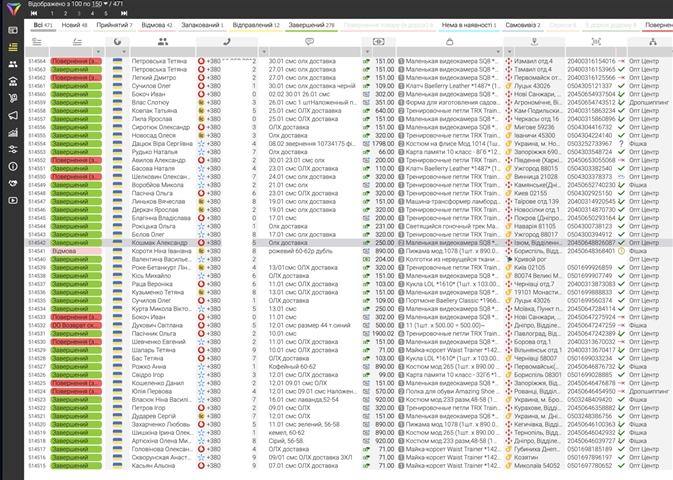
Start Effective Customer Engagement
Start Effective Customer Engagement →CRM in Action: Demonstrating Effectiveness
CRM in Action: Demonstrating Effectiveness

Video Reviews from Satisfied Users
Video Reviews from Satisfied Users
FAQ
Questions and Answers Section
How to get started with LP-CRM?;
Register on the website, gain access to the system, and complete the initial data input.
How to import contacts?
In the Import menu, select a CSV or Excel file and follow the system instructions.
Where can I find help for LP-CRM?
The LP-CRM website has a Support section with articles and instructions.
How to add new users?
In the system settings, find the Users section and click Add.
Can LP-CRM be integrated with other services?
Yes, LP-CRM supports integration with popular services via API.
How to track sales?
Use the Analytics section to view sales and funnel reports.
How to personalize LP-CRM for business?
In the settings, you can change fields, deal statuses, and communication templates.
Is there a mobile version of LP-CRM?
Yes, LP-CRM has a convenient mobile app for iOS and Android.